
Waivers
Waivers signed on arrival. Records kept for life.
A self-service kiosk captures signatures, photos, and medical declarations before guests even reach the counter. No paper. No clipboards. No lost records.
Every waiver captured. Every record searchable.
Sign before they arrive
Send guests a link with their booking confirmation and they complete the waiver on their own phone at home. They turn up signed, photographed, and ready to go -- the kiosk is there for anyone who didn't.
Kiosk mode
Set up a tablet at reception. Guests walk up, enter their details, and sign their waiver before they even speak to staff. One less job at the morning rush.
Photo and signature capture
Every waiver includes a signed declaration and a photo of the guest. No more disputes about who signed what. The record is timestamped and tamper-proof.
Medical declarations
Capture relevant medical information as part of the waiver flow. Flag conditions that crew need to know about before the dive. Stored securely and accessible only to authorised staff.
Auto-link to bookings
When a guest signs a waiver, Reefline matches them to their booking automatically. No manual data entry, no duplicate records. The waiver follows the guest across every trip they take with you, stored for as long as you need it and searchable by name, date, or trip.
Customisable sections
Choose which sections your waiver captures -- personal details, photo, next of kin, dive experience, medical, fitness to dive, or your own custom fields. Turn sections on or off to match your operation.
The guest experience
Guests walk up to the kiosk, fill in their details, and sign -- all before they reach the counter.
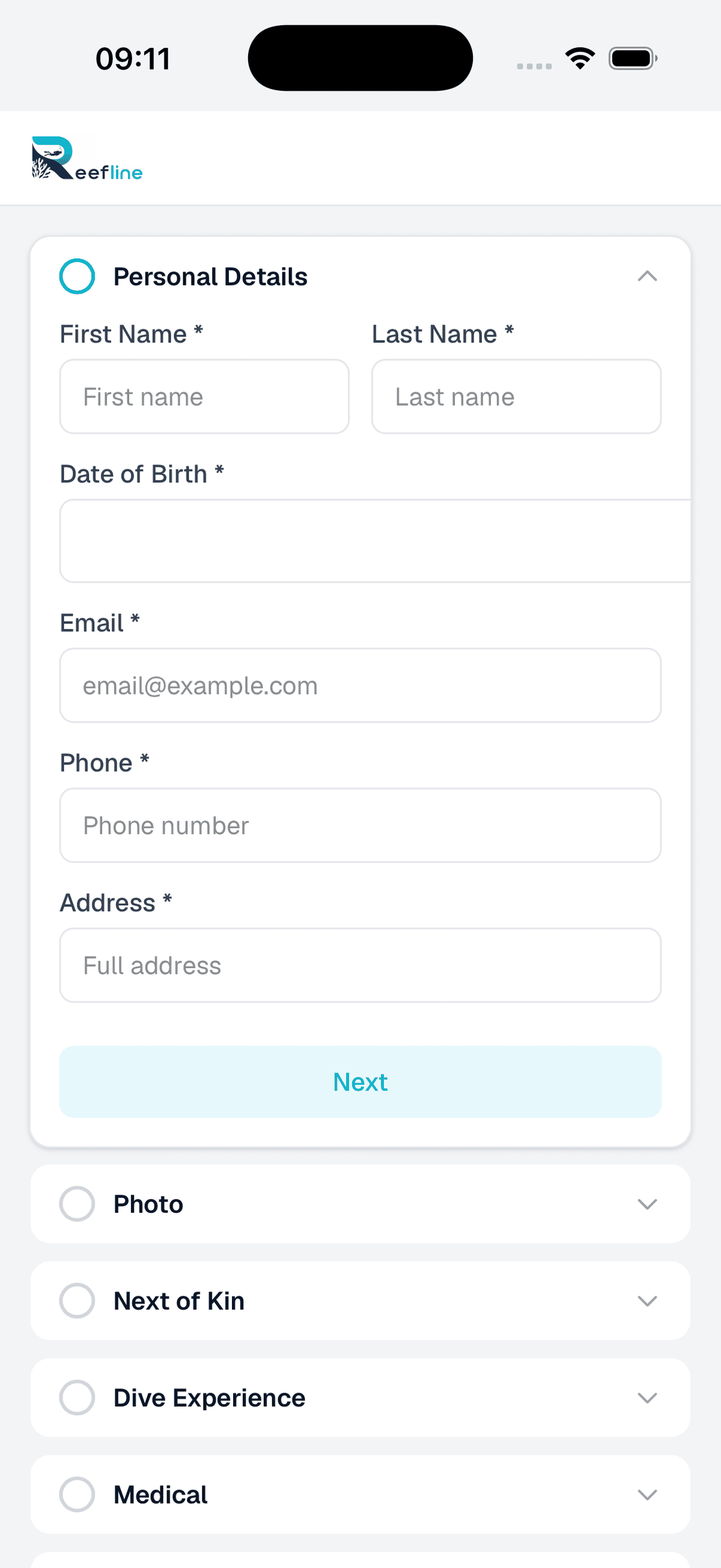
Personal details
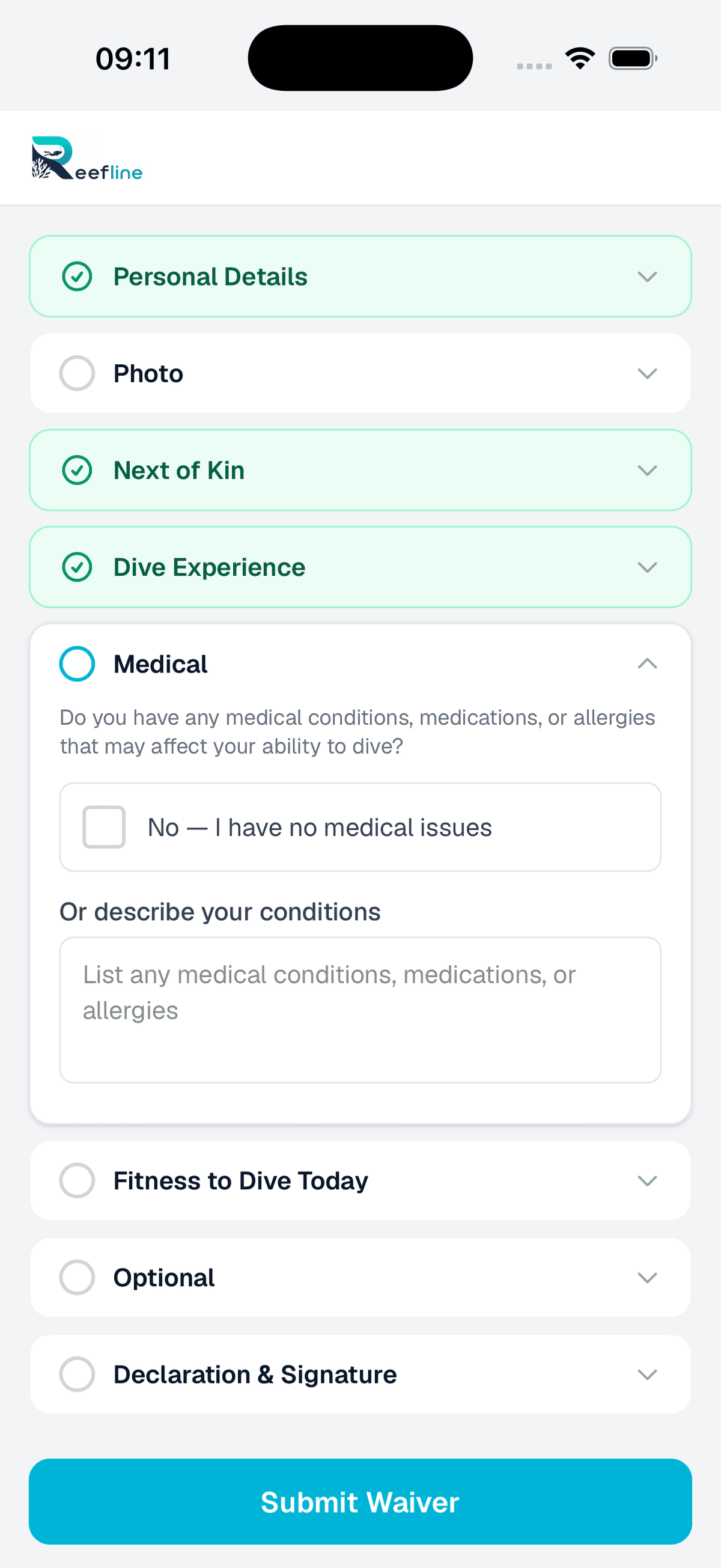
Medical declarations
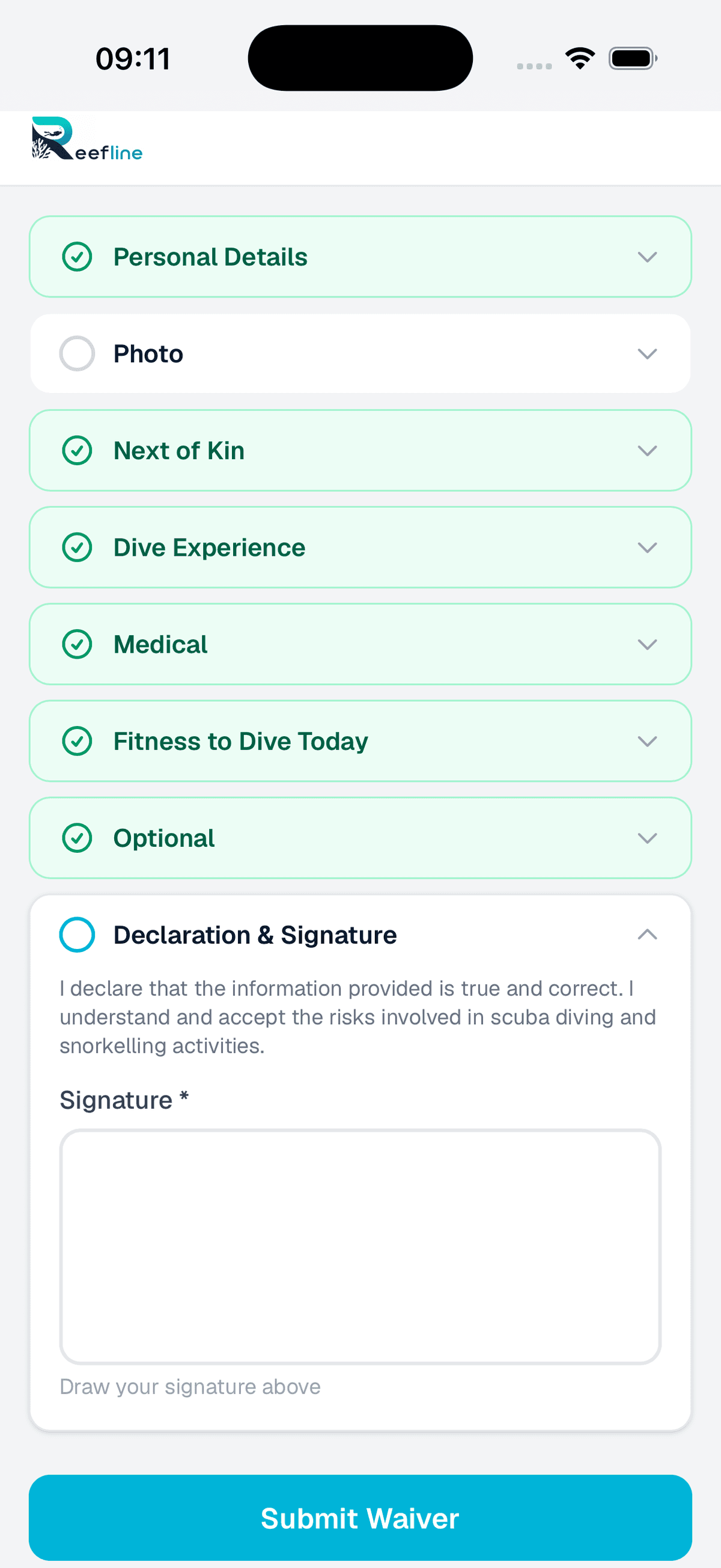
Declaration & signature
The admin view
Every waiver lands in the admin panel -- searchable, filterable, and linked to customer records.
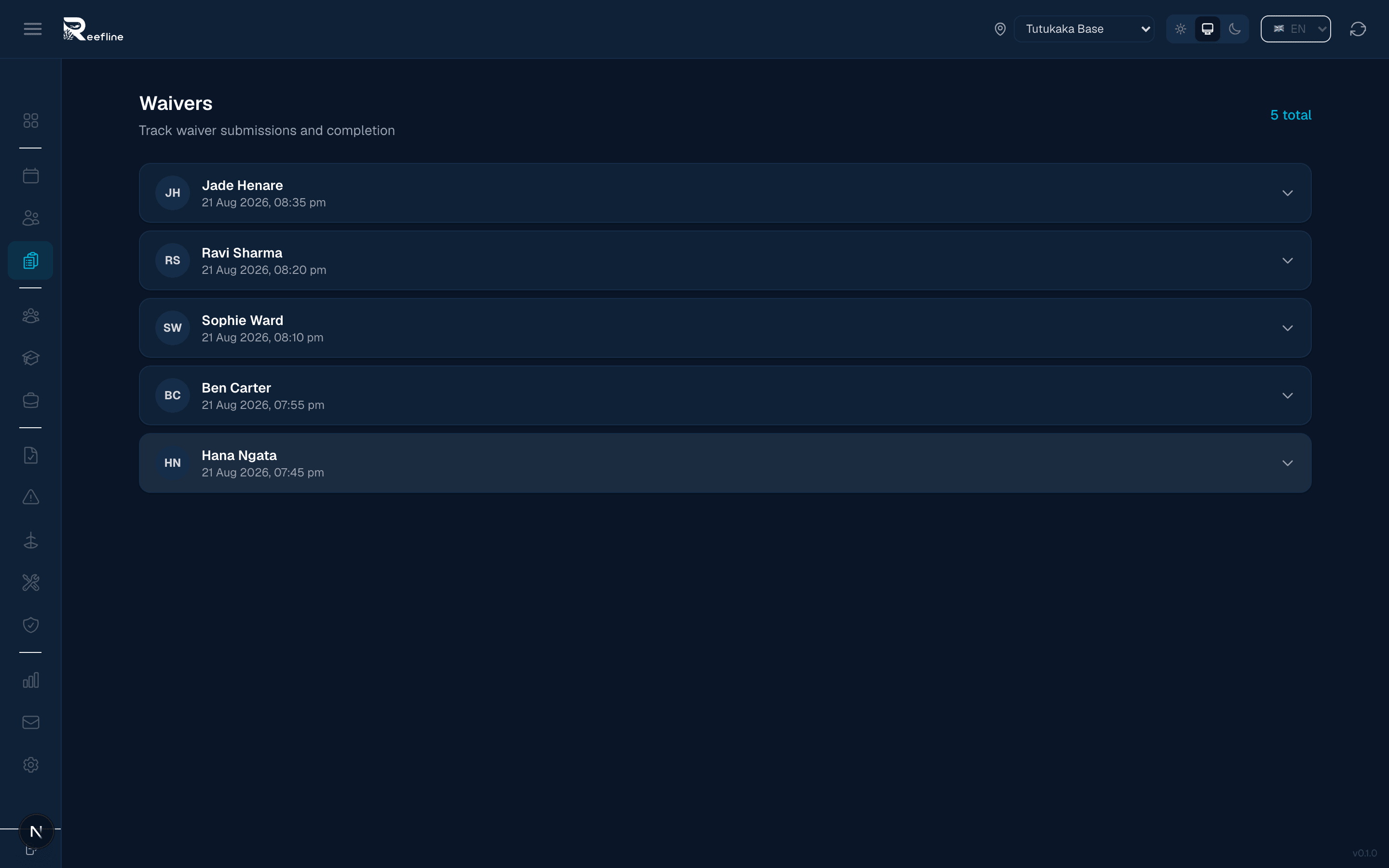
How it works
Send the link ahead of time or set up a tablet at reception -- either way guests handle their own paperwork. Your staff stay focused on getting the boat ready.
Guest signs
The guest opens the link on their phone before the trip, or walks up to the kiosk tablet at reception. They enter their details, read the waiver terms, and sign with their finger.
Photo and medical
The kiosk captures a photo and collects any medical declarations. The guest confirms everything and submits.
Linked and stored
Reefline matches the waiver to the guest's booking. Staff can see the signed waiver on the manifest. The record is stored permanently.
See the waiver kiosk in action.
We'll show you the full guest flow -- from walk-in to signed waiver -- and how it links to your manifest. Takes 10 minutes.
Book a Demo